The web app
Your agents do most of the writing, so the web app is built for reading, reviewing and quick fixes, on the phone first. Open unibrain.dev and add it to your home screen.
Getting around
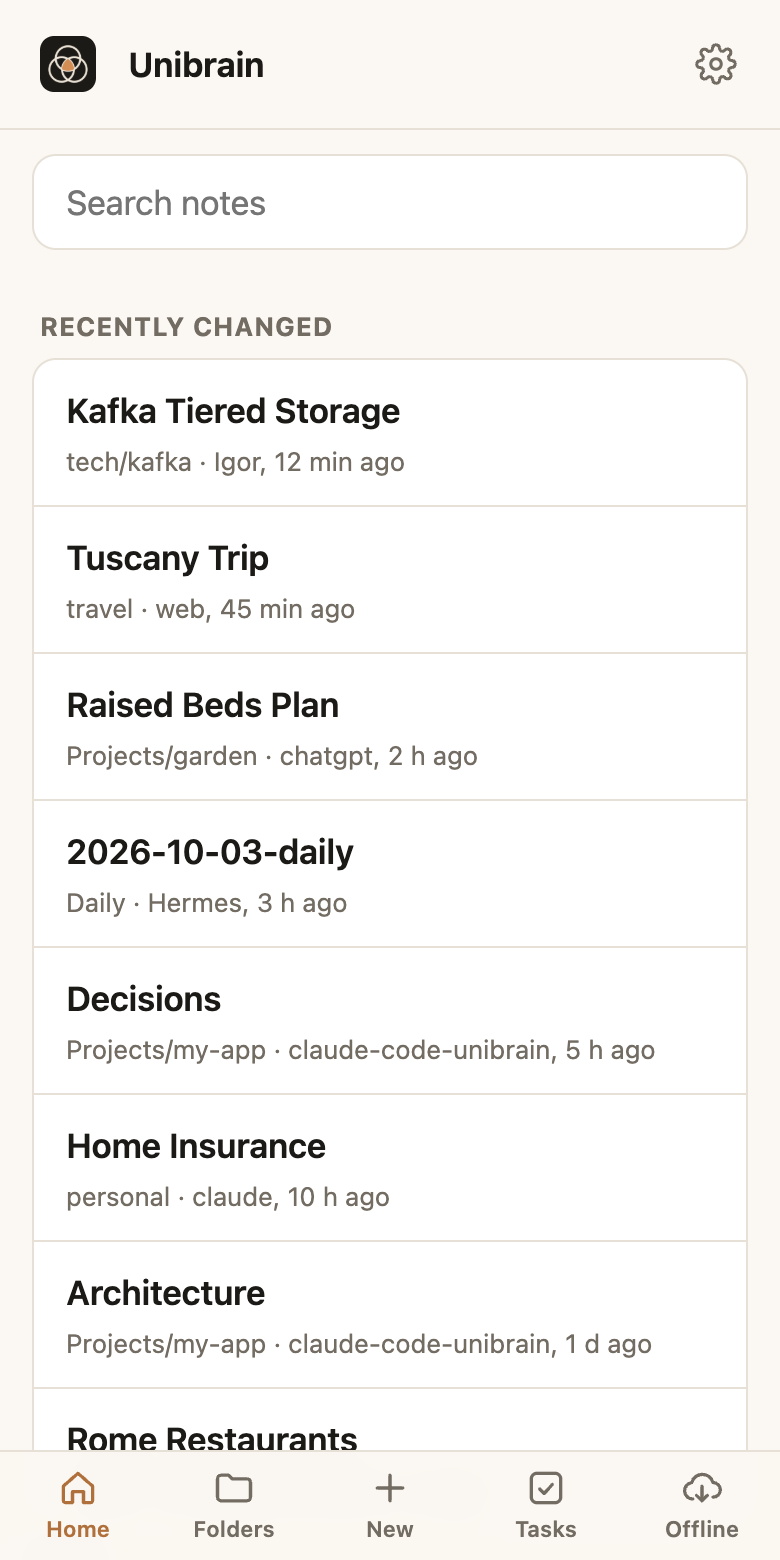
- A tab bar at the bottom: Home, Folders, New, Tasks, Offline.
- Pull down at the top of any screen to refresh it.
- Back keeps your place: your scroll position, search results and expanded lists.
- A back-to-top button on long pages.
Search
- Words,
#tags, or both:#italy winefinds notes tagged italy that mention wine. Nested tags count. - Tap a tag on any note to see everything with that tag.
- Opening a result highlights your words and jumps to the first one.
- Offline, search runs over the notes saved on your phone.
Reading
- Clean typography in light and dark mode.
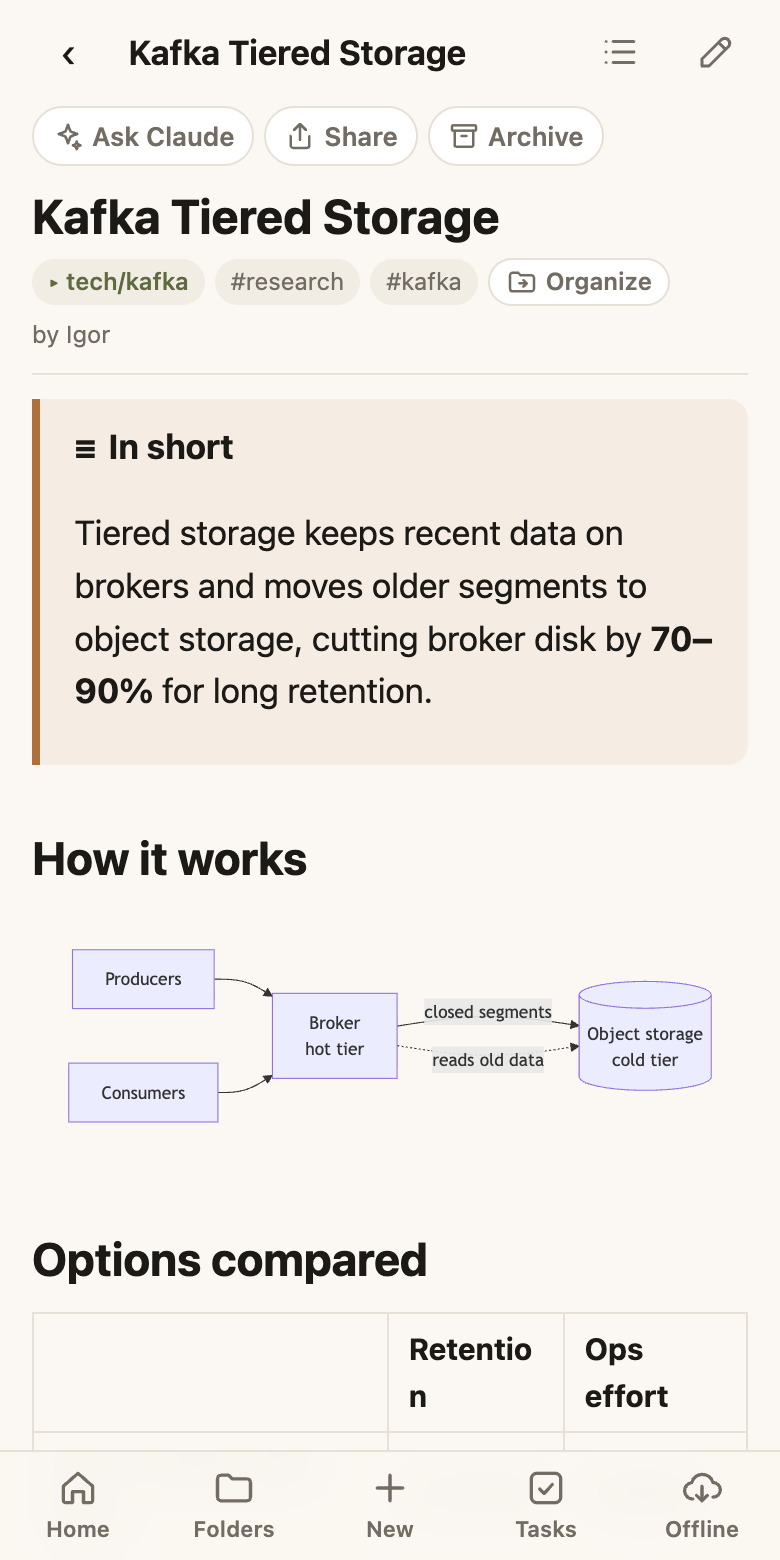
- Rendered beautifully: wiki links and embeds, callouts, highlights, footnotes, block links, 26 diagram types and math, syntax-highlighted code.
- Contents button for long notes, and Linked from listing the notes that link here.
- Tap any image or diagram to view it full screen, with pinch to zoom.
- Tick checkboxes right in the note.
- Ask Claude opens a Claude chat about the note. Share sends the
.mdfile through your phone's share sheet.
Writing and organizing
- A plain-text editor with a formatting toolbar and live preview. It saves 3 seconds after you pause and never overwrites changes made elsewhere.
- New note in any folder, or in a new subfolder.
- Organize: rename, move and retag in one step, with links updated everywhere.
- Archive with Undo, and Unarchive to restore.
And more
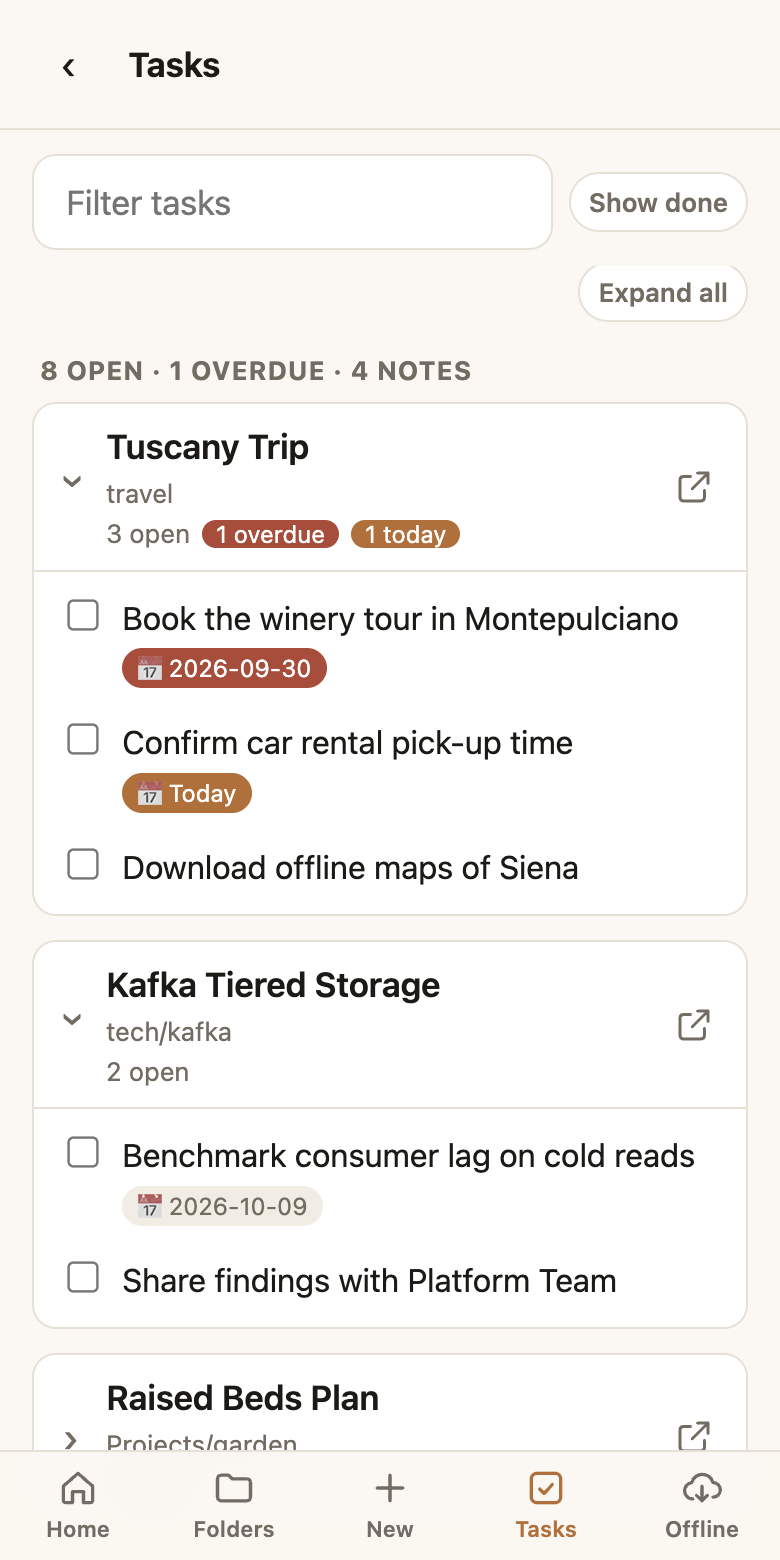
- Tasks: every todo in one place.
- Offline reading: whole folders on your phone.
- Vault settings and Usage stats, under ⚙ Settings.
- Your own app title, such as "My brain", in Settings.